 HeyFini
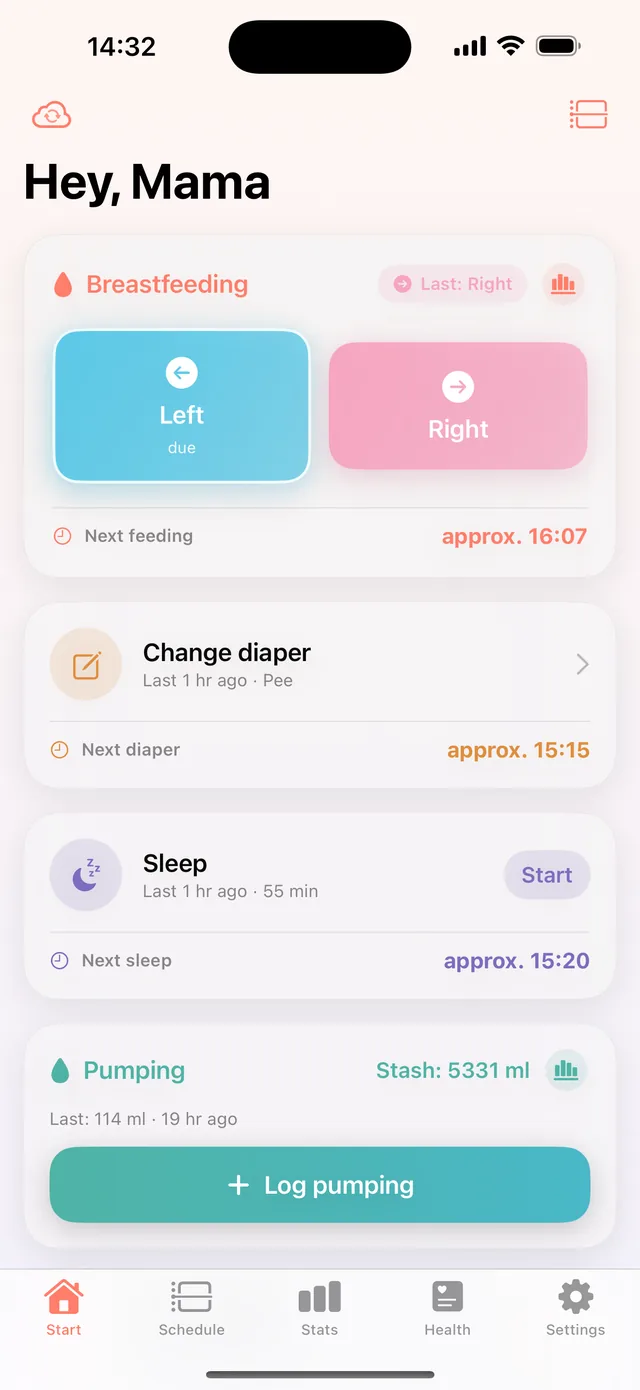
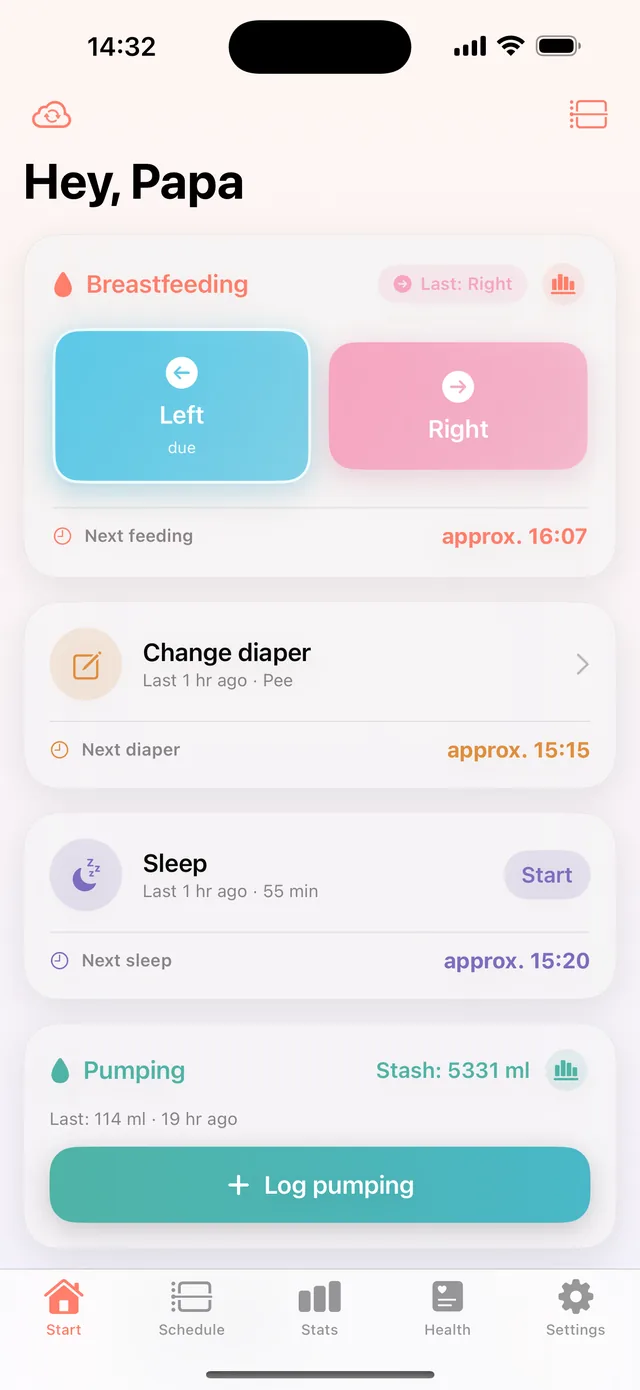
Mom and Dad see the same thing
Whoever feeds at night shouldn't have to file a report in the morning. With HeyFini both parents – and Grandma, if you like – always have the same picture.
In short: Mom and dad keep the same entries live through iCloud family sharing, without an account with us. Each device sees immediately what the other has logged. Sharing is part of HeyFini Pro.
How do I share the data with my partner?
Tap “Invite family” once in Settings, share the link, accept – from then on everything runs automatically. Every entry appears on all devices within seconds: feeds, diapers, sleep, photos, all of it. The predictions use the shared data, too.
Does my partner need their own account?
No – just an iPhone with their own Apple ID. Sharing runs through Apple's iCloud family sharing: directly from device to device via Apple, without HeyFini servers and without sign-up. More about the architecture on the privacy page.
Can Grandma or the childminder follow along too?
Yes. You can invite more people – read-only if you prefer, so they can't change entries. That way Grandma sees when the last feed was while babysitting, without accidentally changing anything.
What is the care sheet?
One page for grandma, the childminder or the babysitter who don’t have HeyFini: the rhythm of the last two weeks, the next time windows for feeding, diaper and sleep, food and solids status with warnings, active medications with times, plus bedtime, emergency and your numbers. Share as PDF or print, under Settings → Family and as a card in the Health tab. Free.
Frequently asked questions
How fast do the devices sync?
Usually within a few seconds via iCloud. A sync icon in the app shows you the status.
Do we share the Pro subscription as well?
Yes – both HeyFini Pro plans, monthly and yearly, support Apple Family Sharing: buy once, use together.
What if we both log something at the same time?
No problem: both entries are saved and merged – nothing gets lost.
Can I give grandma something if she has no iPhone?
Yes, the care sheet: a one-page PDF with rhythm, next time windows, food, medications, bedtime, emergency and your numbers. Under Settings → Family.