 HeyFini
The baby app for iPhone Duo
The iPhone Duo unfolds, and HeyFini makes something of it. Half open, it becomes a nightstand at night with one single button. Open flat, you see the whole day next to the home screen. Closed, everything simply carries on on the small screen.
In short: On iPhone Duo, HeyFini half open becomes a nightstand with a clock and one button, open flat the schedule sits next to the home screen, and closed everything carries on on the outer display. The baby station stands on its own in the nursery when half open.
Half open: the nightstand
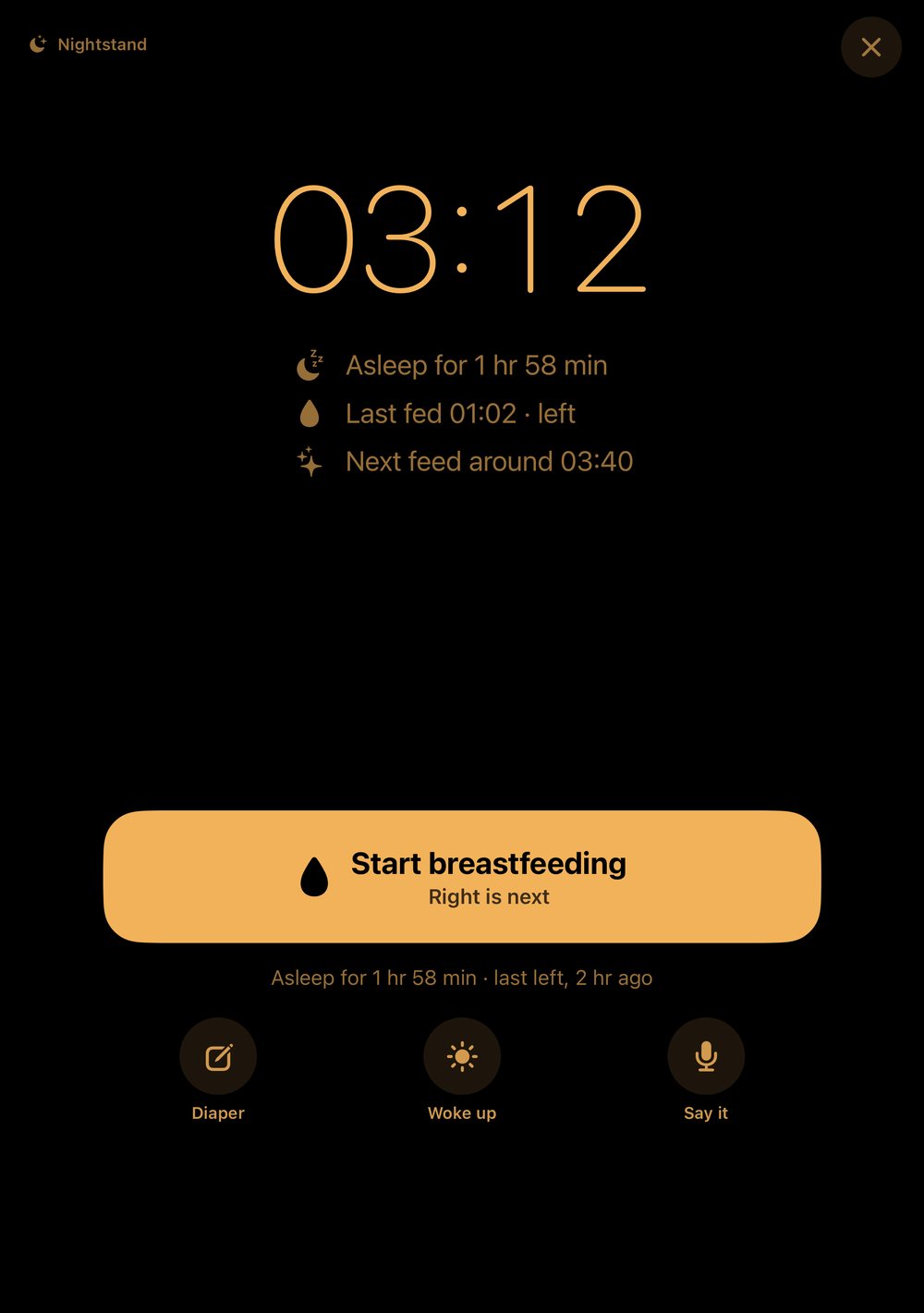
Put the iPhone Duo half open next to the bed in the evening. On top, the clock glows amber on black, with the nursery from your baby monitor or the running stopwatch. Below sits one single button that HeyFini picks from your rhythm: feed, diaper or sleep. After a short while the screen dims, one tap wakes it. The first time, HeyFini asks whether the nightstand may always appear by itself in the evening.
Open flat: schedule next to home
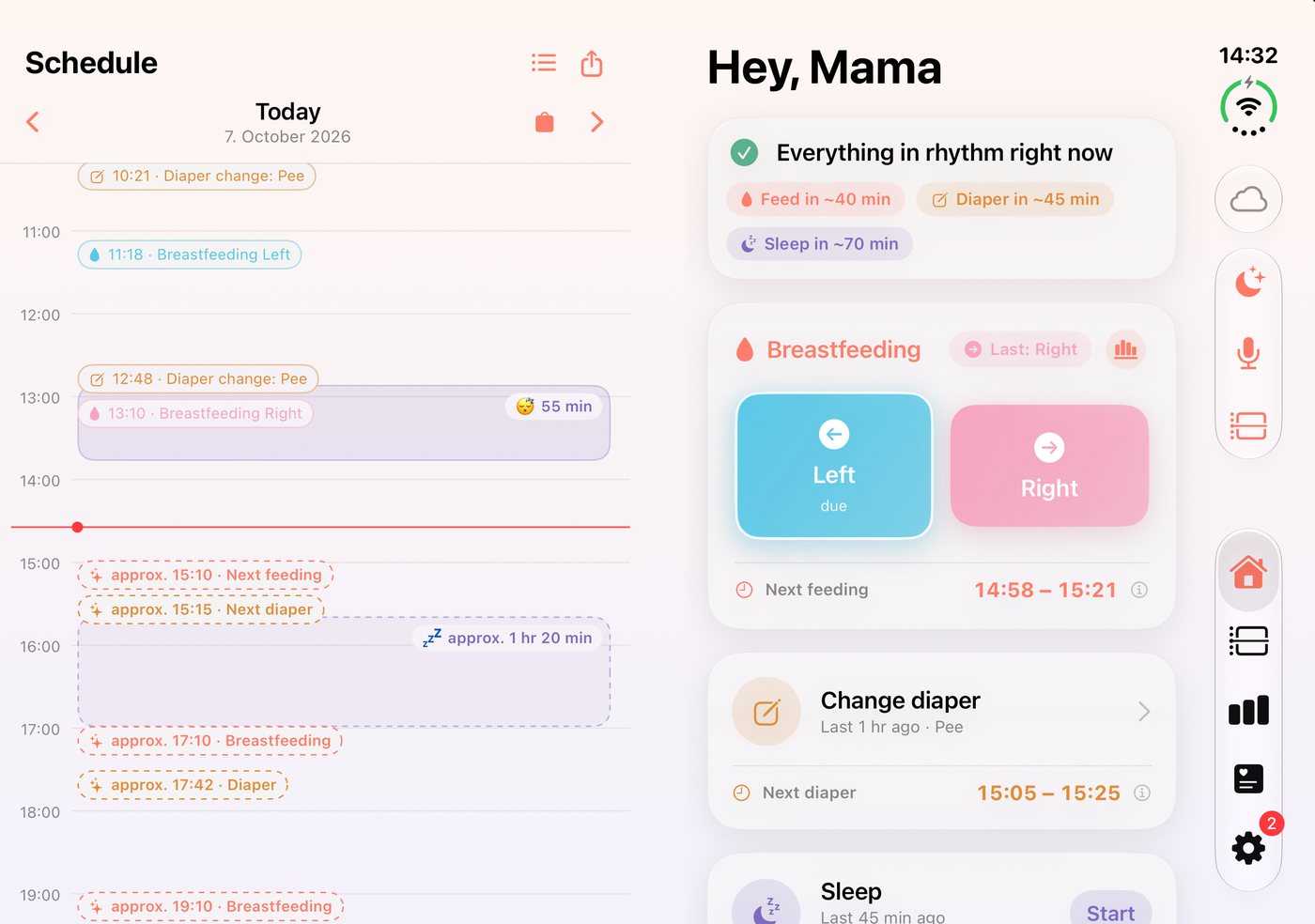
Fully open, HeyFini shows the day as a timeline with all predictions on the left and the home screen for logging on the right. Nothing sits on the fold. The home screen is on the outer-display side, where your thumbs already are. The schedule itself shows the timeline on the left and every entry of the day on the right. Stats puts its cards two by two.
Closed: everything on the small screen
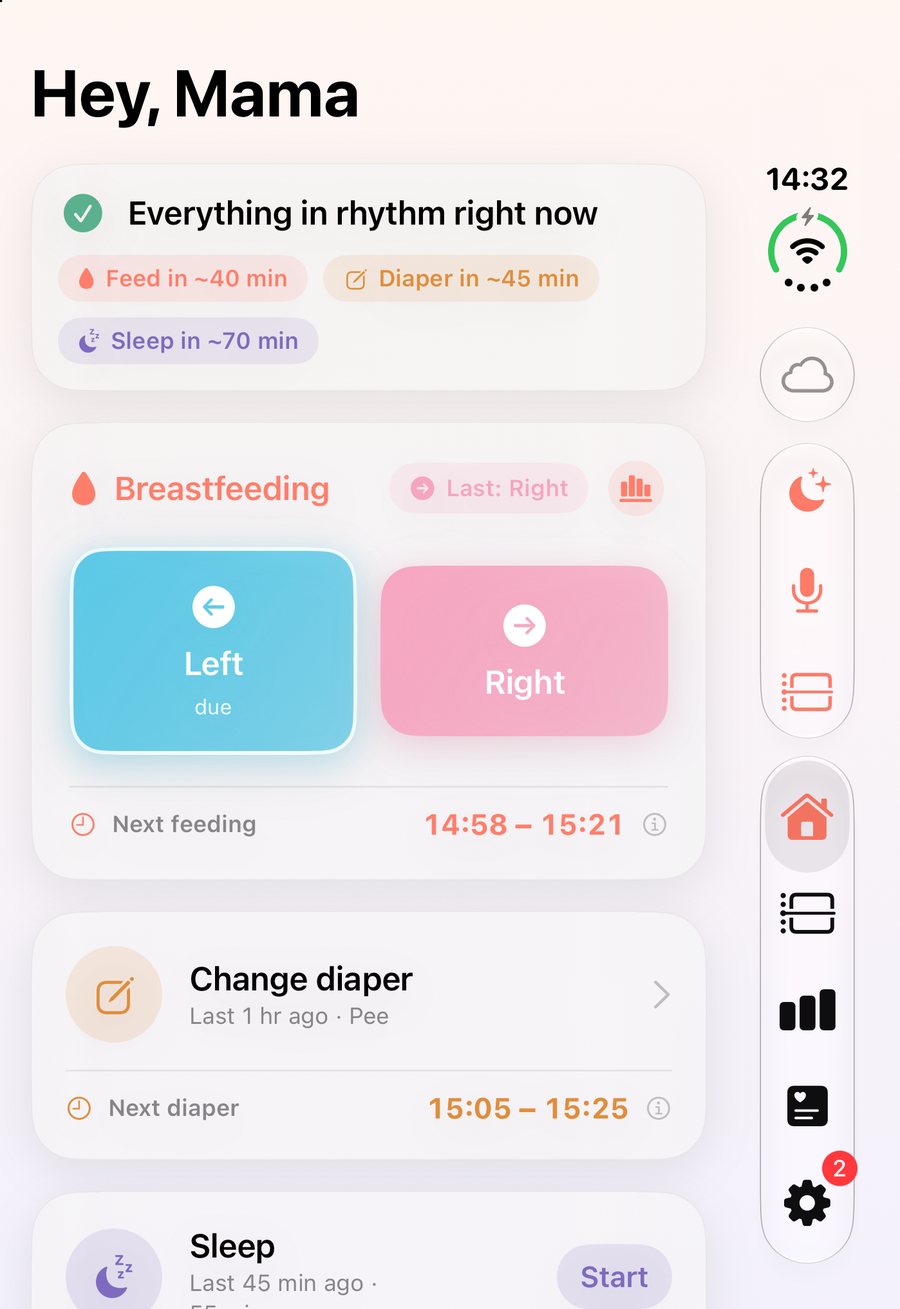
Closed, HeyFini carries on on the outer display, with a vertical bar for home, schedule, stats and settings. Feed, diaper and sleep are one tap away. A running feed stays on the Lock Screen as a Live Activity.
The baby station stands on its own
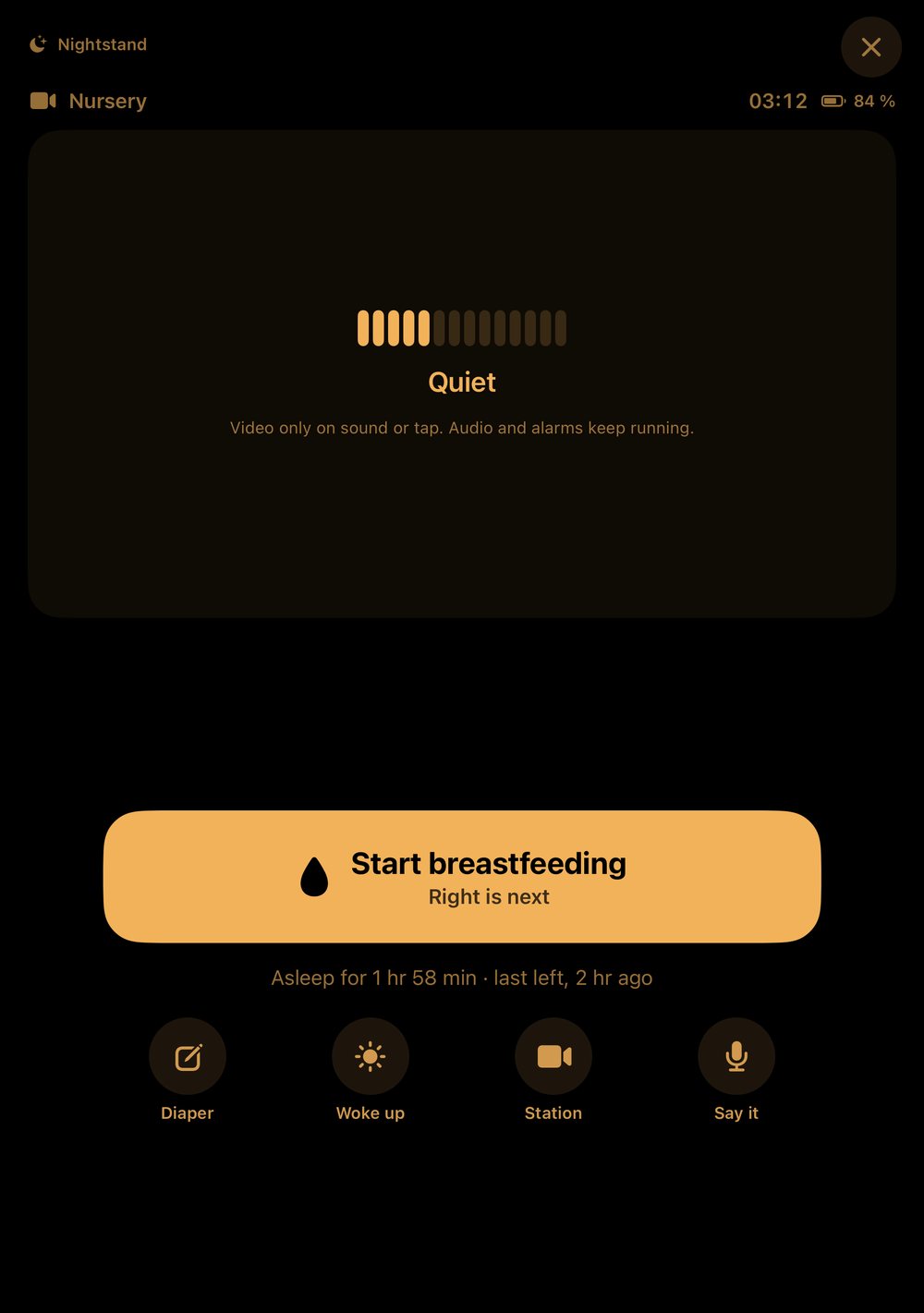
As a baby station, put the half-open iPhone Duo in the nursery. It stands without a holder, the screen faces the baby, the inner camera keeps an eye on it, the controls sit below. The back glows softly as a nightlight while the camera is running. The parent station runs on the other iPhone, on the iPad or in Nightstand Mode.
And on every other iPhone?
Every iPhone gets Nightstand Mode: via the moon at the top right of the home screen or by telling Siri “Nightstand in HeyFini”. A StandBy widget shows only the three numbers that matter at night. On iPad you place the schedule or the baby monitor next to the home screen as its own window.
Frequently asked questions
Do I need an iPhone Duo for HeyFini?
No. HeyFini runs on every iPhone from iOS 17, on iPad and on Apple Watch. The iPhone Duo additionally gets the nightstand when half open and the two columns.
Does the nightstand open every time I unfold?
Only in the evening and only half open. The first time, HeyFini asks whether to keep doing that. You find the switch under Settings → Reminders.
Does the baby monitor work differently on iPhone Duo?
The connection stays the same: at home without a server, on the go over the mobile network, end-to-end encrypted. What is new: the half-open iPhone Duo stands on its own and uses the back as a nightlight.
When is HeyFini available for iPhone Duo?
With version 5.0, in time for the iPhone Duo launch on October 23, 2026. The update is free.